假如一个函数要在很短的时间内执行很多次,而且这个函数比较复杂,那么它对我们的程序性能就会造成很大的影响。解决这种问题的办法有两种:
- 一种就是每隔一段时间执行一次,减少函数的执行次数。这就是节流
- 另一种思路是既然短时间内执行了多次,那我只取最后一次的结果就行了。这就是防抖
节流
实现方法:时间戳、定时器
- 时间戳
记录每次执行函数时的时间,减去上次执行的时间,如果间隔小于预定的时间间隔就不执行。如下,设置初始时间为0,则第一次会触发, 后面每次执行进行判断,大于设定时间再执行,这样就可以防止多次执行复杂函数。
1
2
3
4
5
6
7
8
9
10
11
12
13
14
15
16
17
18
19
|
function throttleTime(fn, wait) {
let preTime = 0;
return function (...args) {
const context = this;
const nowTime = +new Date();
if (nowTime - preTime > wait) {
fn.apply(context, args);
preTime = nowTime;
}
};
}
|
- 定时器
使用setTimeout定时器定时执行函数,setTimeout到达指定时间后一定会执行,所以就算此时没有再次触发函数,也会执行一次
1
2
3
4
5
6
7
8
9
10
11
12
13
14
15
16
17
18
19
20
|
function throttleTimer(fn, wait) {
let waitTimer = 0;
return function (...args) {
const context = this;
if (!waitTimer) {
waitTimer = setTimeout(() => {
fn.apply(context, args);
clearTimeout(waitTimer);
waitTimer = null;
}, wait);
}
};
}
|
- 合并两种情况
1
2
3
4
5
6
7
8
9
10
11
12
13
14
15
16
17
18
19
20
21
22
23
24
25
26
27
28
29
30
31
32
33
34
|
function merge(fn, wait, options) {
let preTime = 0;
let waitTimer = 0;
const throttle = function (...args) {
const context = this;
const nowTime = +new Date();
if (nowTime - preTime > wait && options.leading) {
fn.apply(context, args);
preTime = nowTime;
clearTimeout(waitTimer);
waitTimer = null;
} else if (!waitTimer && options.traling) {
waitTimer = setTimeout(() => {
fn.apply(context, args);
clearTimeout(waitTimer);
waitTimer = null;
}, wait);
}
};
throttle.cancel = function () {
clearTimeout(waitTimer);
waitTimer = null;
preTime = 0;
};
return throttle;
}
|
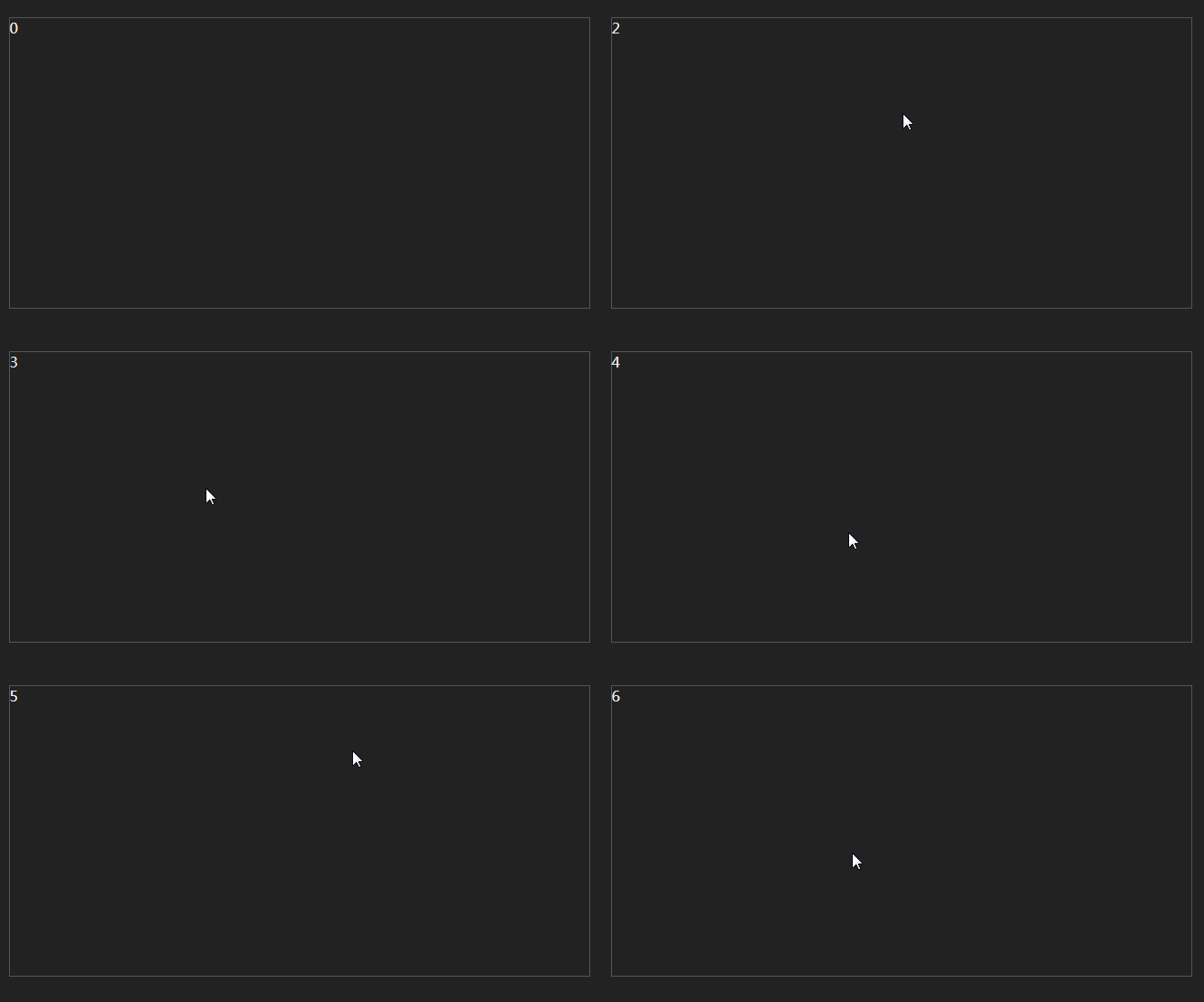
使用举例:
1
2
3
4
5
6
7
8
9
| const rect = document.querySelector('.rect');
function count() {
rect.innerHTML = parseInt(rect.innerHTML, 10) + 1;
}
rect.addEventListener('mousemove', merge(count, 1000, { leading: true, traling: true }), false);
|
防抖
防抖可以在每次执行时启动一个延时定时器,下次再执行该函数时清除上一次的延时定时器,再开启一个新的定时器。直到最后一次没有开启新的定时器才会执行
1
2
3
4
5
6
7
8
9
10
11
12
13
14
15
|
function debounce(fn, countVal, wait) {
let waitTime = 0;
console.log(fn);
return function (...args) {
const context = this;
clearTimeout(waitTime);
waitTime = setTimeout(() => {
fn.apply(context, [...args, countVal]);
}, wait);
};
}
|
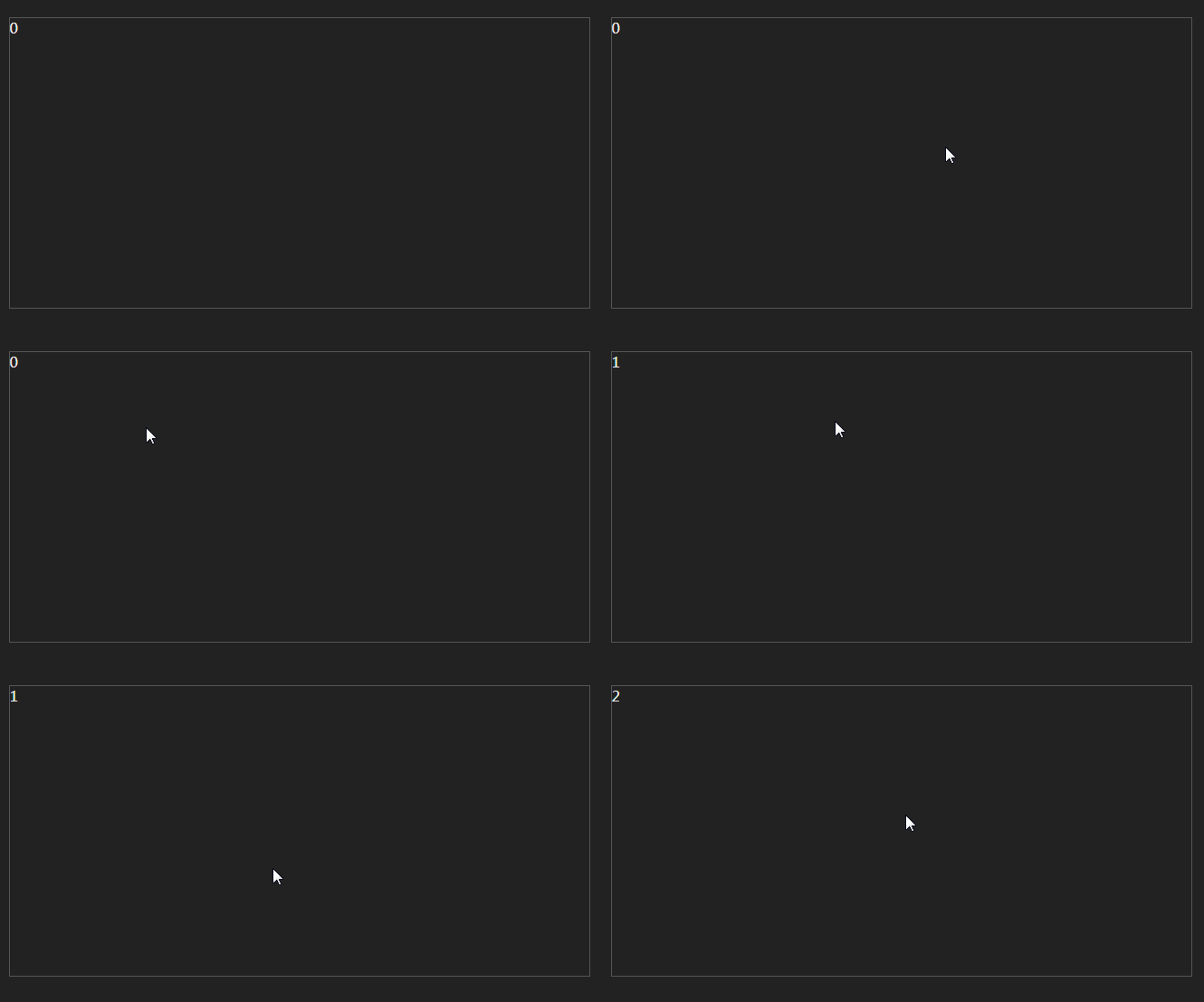
debounce可以实现防抖,但是第一次不会执行,现在加个选择项,第一次可以执行,接下来再进行判断
1
2
3
4
5
6
7
8
9
10
11
12
13
14
15
16
17
18
19
20
21
22
23
24
25
26
27
28
29
30
31
32
33
34
35
36
37
|
function debounceIm(fn, countVal, wait, immediate) {
let waitTime = 0;
let result = 0;
const debounced = function (...args) {
const context = this;
if (waitTime) {
clearTimeout(waitTime);
}
if (immediate) {
let callnow = !waitTime;
waitTime = setTimeout(() => {
waitTime = null;
}, wait);
if (callnow) {
result = fn.apply(context, [...args, countVal]);
}
} else {
waitTime = setTimeout(() => {
fn.apply(context, [...args, countVal]);
}, wait);
}
return result;
};
debounced.cancel = function () {
clearTimeout(waitTime);
waitTime = null;
};
return debounced;
}
|
Vue中使用注意事项
1
2
3
4
5
6
7
8
9
10
11
12
13
14
|
<template>
<div>
<div @touchmove="getData"></div>
</div>
</template>
import debounce from '../../utils/debounce.js';
methods: {
getData() {
debounce(fn, 1000);
}
}
|
错误原因:这里的debounce返回的是一个方法, methods中的getData执行之后得到了debounce方法返回的debounced方法,但是没有执行,需要改成下面这种形式:
1
2
3
4
5
6
7
8
9
10
11
12
|
<template>
<div>
<div @touchmove="getData"></div>
</div>
</template>
import debounce from '../../utils/debounce.js';
methods: {
getData: debounce(fn, 1000);
}
|
参考资料:
JavaScript专题之跟着underscore学防抖
JavaScript专题之跟着 underscore 学节流